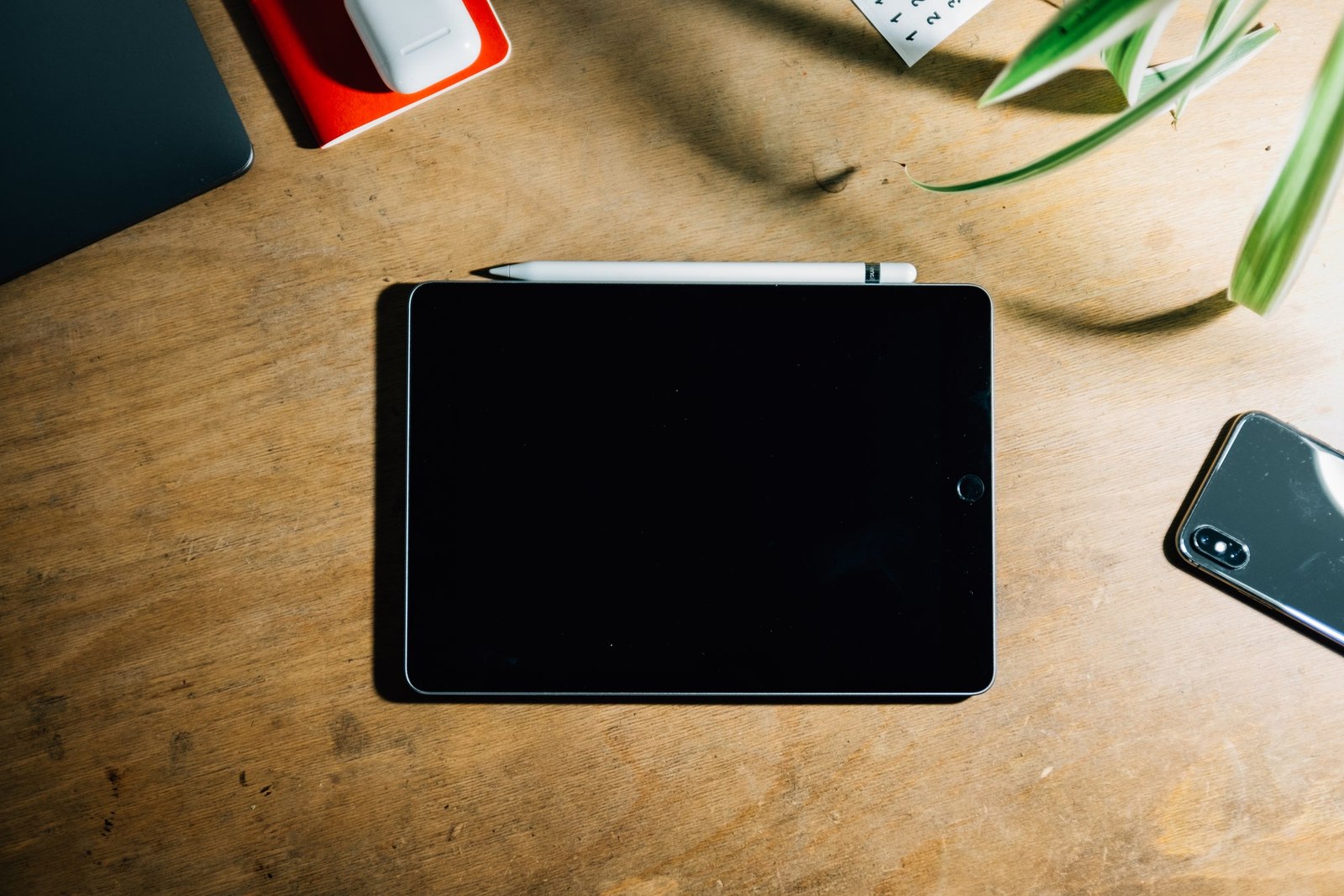
Prepare an old device for its next owner
Preparing a device for a new owner involves more than deleting a few visible files.
Preparing a device for a new owner involves more than deleting a few visible files. Follow the manufacturer's current transfer or disposal instructions for the exact device and software version.
First confirm that important information has been backed up and can be recovered elsewhere. Check photographs, documents and application-specific data, including items that exist only on that device. Do not erase the original while the only backup is an untested export.
Untie the device from your accounts
Use the documented process for signing out, removing account locks and disconnecting payment or service features. Transfer any required authentication method before losing access to the old device. Follow organisational policy for work equipment rather than treating it as a personal hand-me-down.
Use the provider's recommended erase or reset procedure. Deleting files individually or formatting an unfamiliar storage device without guidance may not achieve the intended result. Remove physical cards and accessories containing personal information where applicable.
After reset, check the expected setup screen without signing back into your personal account. Keep proof of sale or transfer and describe the device's condition honestly. If it will be recycled, use a suitable local scheme. A careful transfer protects your information while giving the next person a device they can actually set up and use.